
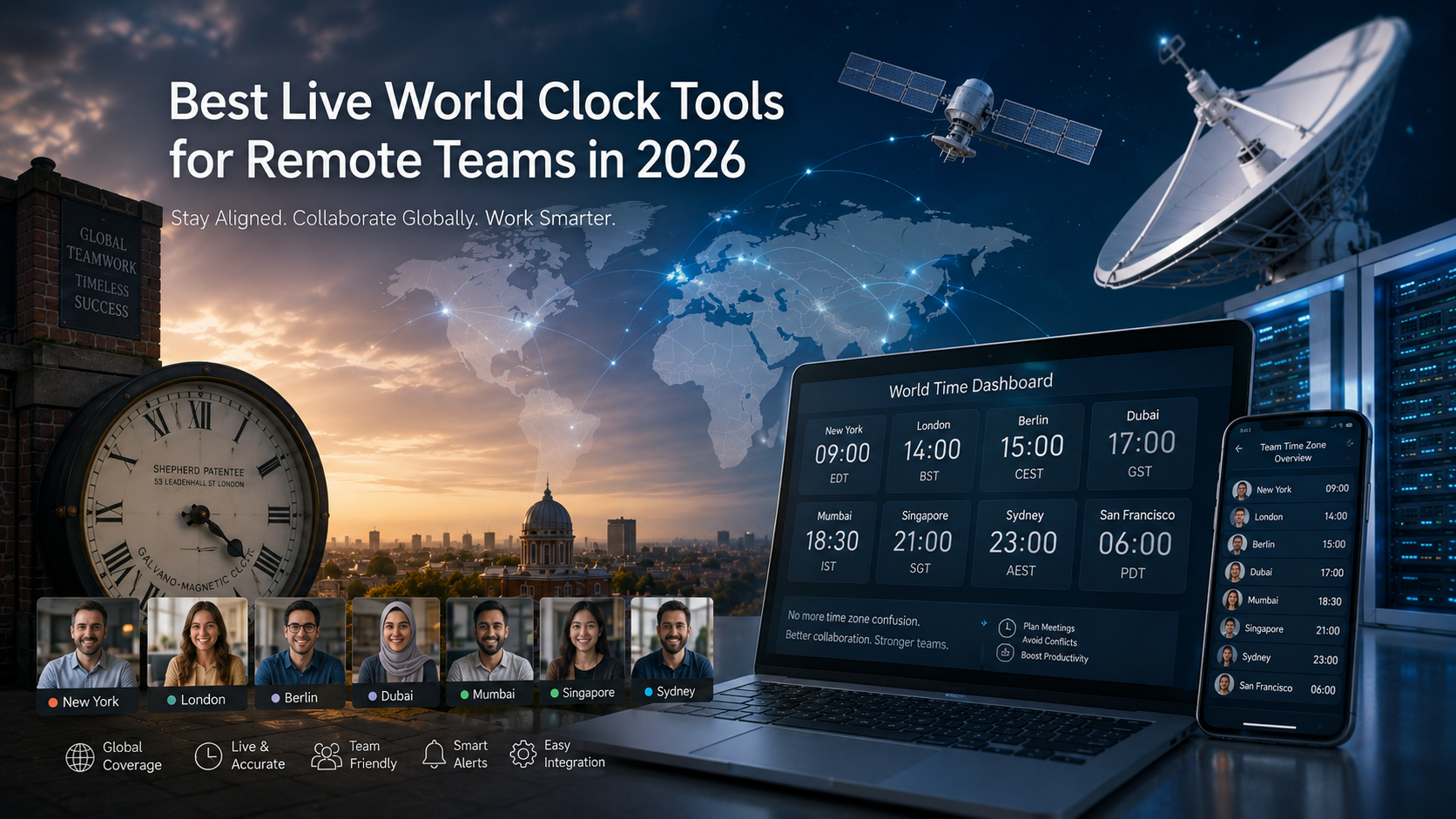
Best Live World Clock Tools for Remote Teams in 2026
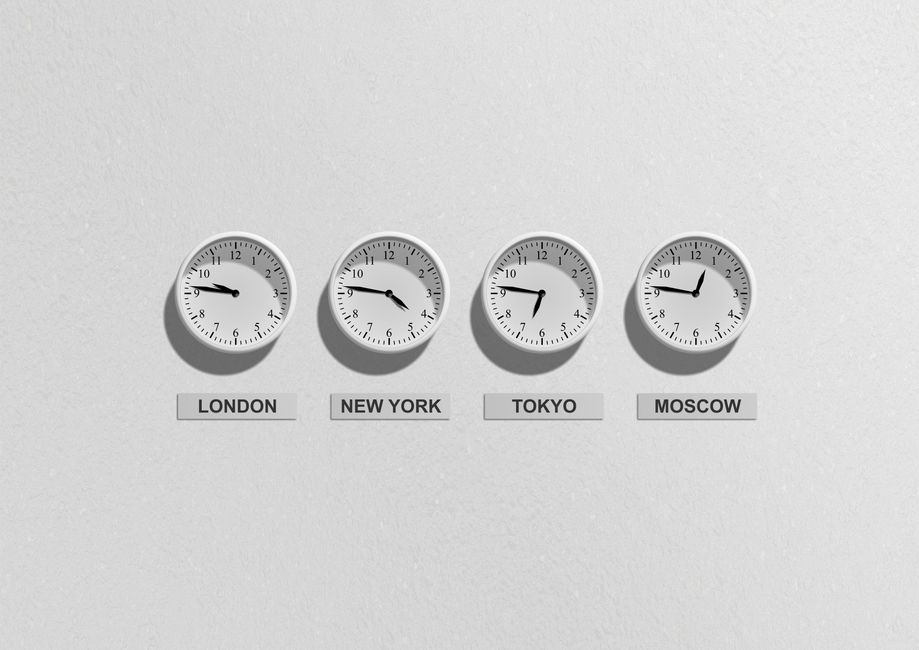
Coordinating across time zones is genuinely hard for remote teams. Without a reliable live world clock, a simple meeting invite turns into a guessing game. By 2026, there are more options than ever, from tools built into Windows to web-based planners and mobile apps. If you want our honest recommendation up front: the Easy World Clock International Meeting Planner is free, needs no account, and does the job better than most. But this article covers the full range of practical choices, so you can pick what suits your team.
Why Remote Teams Need a Dedicated World Clock Tool
Your standard desktop clock shows one time: yours. When your team is spread across London, New York, Singapore, and Sydney, that is not enough. You need a single view showing the current local time for all of them at once. Good world clock tools handle daylight saving time changes automatically, so you never have to work out whether a country switched clocks two weeks ago. The best ones also include a meeting planner that highlights when everyone's working hours actually overlap. The Easy World Clock International Meeting Planner does exactly that, across more than 30 cities, for free. That alone saves a surprising amount of back-and-forth.
Built-in Solutions for Windows and SharePoint
Windows Clock App
Every modern Windows installation includes a Clock app. You can add cities and compare times by going to Start > Clock > World clock > Add a new city > Compare. It is free, it is already there, and it works well enough for keeping an eye on two or three time zones. It is better suited to individual use than a shared team view, but it is a reasonable starting point.
WorldClock.Classic for Windows
WorldClock.Classic is a Windows desktop app that goes well beyond a basic world clock. It pulls time zone data from the IANA Time Zone Database and adds a time sync feature, calendar, alarm, and desktop wallpaper management. The free trial caps you at four locations, and time sync does not work in trial mode. You need the full version to track up to 32 locations. If you want a permanent clock overlay on your desktop, it is a solid option, but the trial restrictions make it harder to recommend for larger teams without committing to a paid upgrade.
SharePoint World Clock Web Part
If your organisation runs SharePoint, the World clock web part lets you show the current time for multiple locations directly on a team site. It is a good fit for a departmental homepage or a project hub where everyone needs to see what time it is in key offices. It integrates without extra software, requires no separate login, and refreshes automatically. It is available in SharePoint Online and on-premises versions that support modern web parts.

Web-Based Live World Clock Tools
Easy World Clock: The Best Free Option for Remote Teams
If your team needs one tool that handles scheduling across time zones without any faff, this is the one to bookmark. The Easy World Clock International Meeting Planner lets you compare working hours across more than 30 cities at once. You can see instantly where your team's hours overlap, which makes finding a meeting time that works for everyone genuinely quick. No dragging sliders, no mental arithmetic, no wondering whether someone's country just changed their clocks.
The tool also includes a time difference calculator that covers any two cities with full DST support, and a live world clock showing current local times grouped by continent. There are no cookies, no sign-up prompts, and no ads getting in the way. For webmasters or team leads who want a live clock on a shared dashboard or intranet, an embeddable widget is available with a single line of code.
It is free, it works in any browser, and it does not ask anything of you. For most remote teams, it is probably the only tool you need.
timeanddate.com
Timeanddate.com covers world time and date for cities across all time zones. It accounts for DST changes automatically, so you do not have to think about a clock switch that happened in a country you rarely track. Dozens of major cities appear on a single page, and you can search for any location. It is entirely browser-based, free, and you can bookmark a custom page with your team's cities and come back to it any time.
24timezones.com
24timezones.com shows a global time zone map with the current time around the world, including a real-time overlay for daylight, night, and midnight. The visual map is useful when you want a quick sense of which parts of the world are actually awake. Teams that need a fast read on working hours will find the colour-coded day/night view helpful. Like timeanddate.com, it is free and needs no account.
World Time Buddy
World Time Buddy is a world clock, time zone converter, and meeting scheduler in one. You add cities and drag them to compare times side by side. The meeting planner finds overlapping windows, which is exactly what you need to avoid scheduling something at 3am for a colleague. It runs in the browser, and basic use is free. For quick planning across three or four time zones, it is probably the most straightforward tool available.

Mobile World Clock Apps for Teams on the Go
World Time Clock (Android)
The World Time Clock app on Google Play tracks local time across more than 200 cities. It is built for mobile, so remote workers who travel or move between locations can check their colleagues' local time without opening a browser. It includes a city search and shows current time details for each location. A practical option for anyone who needs a world clock in their pocket.

Choosing the Right Tool for Your Team
For most remote teams, the Easy World Clock International Meeting Planner is the simplest and most capable place to start. It is free, needs no account, covers more than 30 cities, handles DST automatically, and can be embedded on any team dashboard with a single line of code. If you need something beyond that, the options depend on how you work. Windows users can lean on the built-in Clock app for quick checks. Teams on SharePoint will find the web part useful for a shared intranet view. World Time Buddy and 24timezones.com are both quick browser tools that need no installation. Power users after alarms and desktop customisation can try WorldClock.Classic, though the four-location trial limit is worth knowing about before you commit. Mobile workers should carry a dedicated app like World Time Clock for Android. Whichever you go with, having a live world clock visible to everyone takes the guesswork out of scheduling and helps your team stay on the same page.
Frequently Asked Questions
Ready to manage time zones better?
Use the International Meeting PlannerRelated Articles
How to use a live world clock for international scheduling
One missed hour can wreck a meeting. Learn how to use a live world clock to handle daylight saving, compare multiple time zones, and schedule international meetings without the mental math.
The Ultimate Guide to Managing Time Zones for Remote Teams
Discover practical strategies and tools to keep your globally distributed team in sync without the scheduling headaches.